Remove video background
Remove the background from a video — no green screen
Turn on Remove background and Cutlab segments the person in every frame, live, using AI that runs on your device. Then put anything behind them: a stock photo, your own image, a solid colour or another video clip.
- Free
- No watermark
- No upload
- Works on mobile
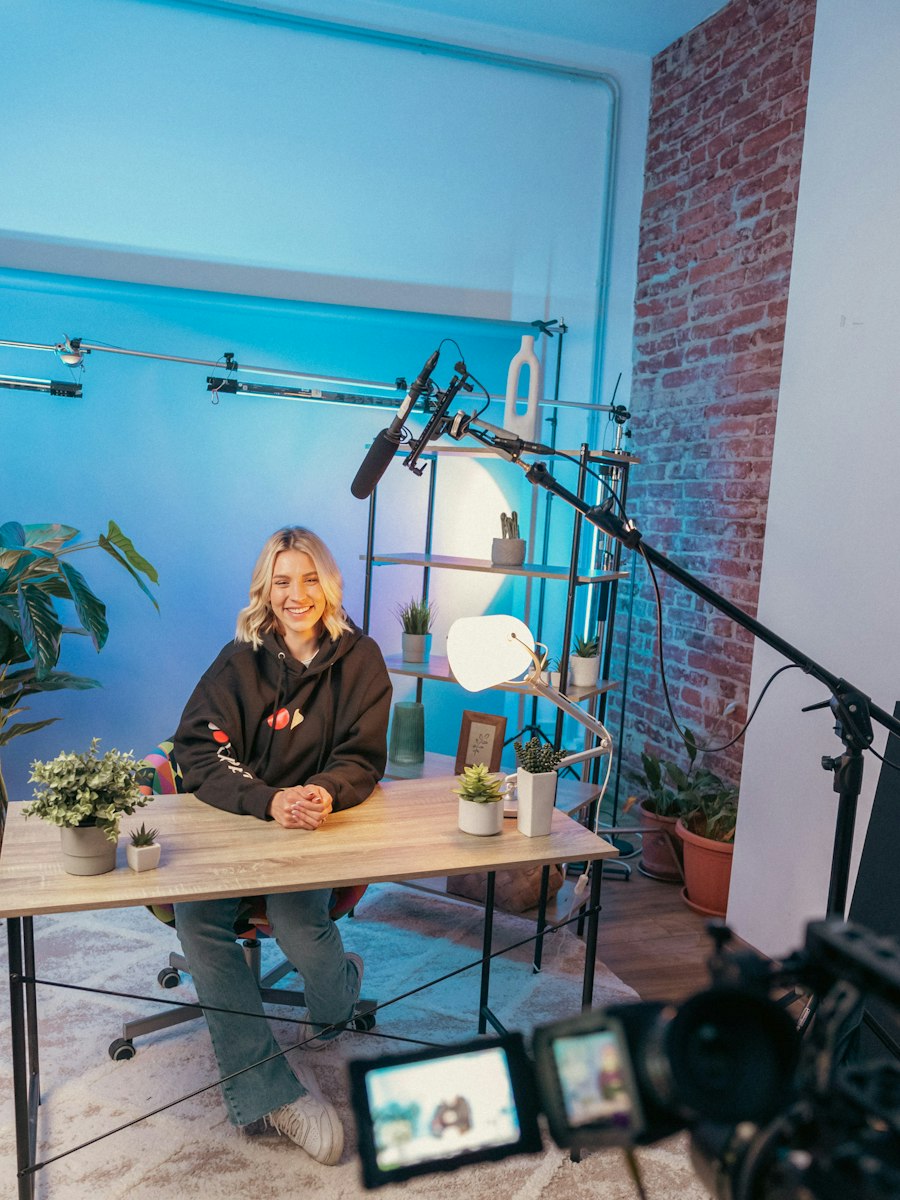
What you get
Why use Cutlab for remove video background
Live preview
See the cut-out as you edit — no waiting for a render.
Any background
Choose a photo, upload your own image, set a colour, or layer the cut-out over another clip on the Overlay track.
Works on photos too
The same cut-out works on still images; for stills you can also use the Background Remover tool.
Private
The model is a small file downloaded once and runs in your browser.
How it works
Three steps, no learning curve
- 1Add your video and select the clip.
- 2Switch on Remove background in the Effects tab.
- 3Pick a background image or colour in Canvas settings.
Good to know
Edges around fast-moving hands or props can look rough, and the quality depends on lighting and contrast between you and the background.
FAQ
Questions, answered
Do I need a green screen?
No. The AI finds the person in the frame without any special backdrop.
Does it work for multiple people?
It is tuned for a person or people in the foreground; very busy scenes can produce rough edges.
Can I remove the background from a photo?
Yes, use the free Background Remover tool for images and get a transparent PNG.